The Halifax Explosion-A Webquest

This post is from Carol Duffy who teaches in Lamoine
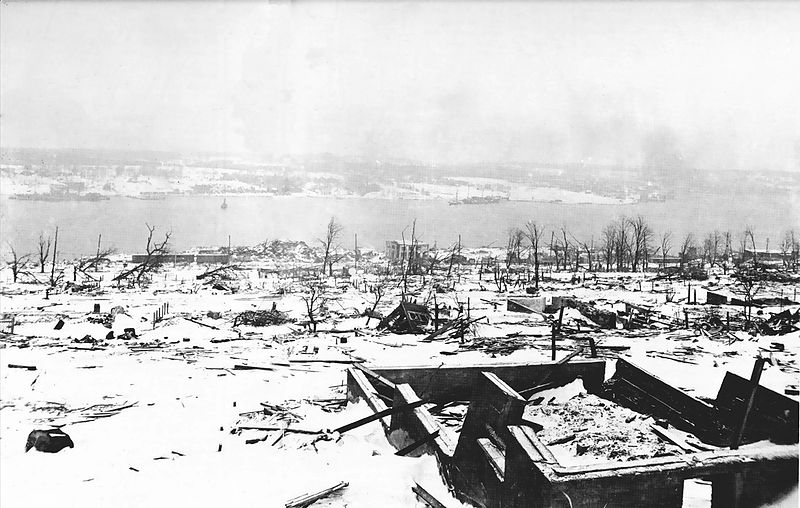
Richmond neighbor in Halifax after the explosion: http://en.wikipedia.org/wiki/File:Halifax_Explosion_-_harbour_view_-_restored.jpg
Richmond neighborhood in Halifax after the explosion: http://en.wikipedia.org/wiki/File:Halifax_Explosion_-_harbour_view_-_restored.jpg

On December 6, 1917, Halifax, Nova Scotia experienced the largest man-made explosion the world had ever seen when the Mont Blanc, filled with explosives, collided with another ship.  “The Halifax Explosion” webquest (http://connect.umpi.maine.edu/~terry.chalou/Webquests/10-11/The%20Halifax%20Explsoion/t-index.htm )provides links to the CBC site ( http://www.cbc.ca/halifaxexplosion/ ) containing many primary resources.  Students can read about a fireman who was blown from his vehicle, caught in a tidal wave, and survived both to live another 54 years.  In addition to the CBC resources, YouTube has several good videos about this event.  My favorite is an interview with Peggy Gregoire who was a young student at the time.

After exploring these resources, the webquest task is to assume the persona of a person affected by the explosion and to write a letter about the day.   To help students use the correct tone for their letters, there’s a link to war letters written in 1917.  If your students want to make their letters look old, there are links to sites with directions for aging paper.

I used this webquest with a mixed grade level grouping of middle level students.  Many of them told me that this was one of their favorite writing activities for the year because of the interesting resources.
Madison Junior High’s Community Blood Drive

This post was written by Kathy Bertini, an eighth grade teacher at Madison Junior High School

The annual Madison Blood Drive takes place each February at the junior high to replenish critically low blood supplies for the American Red Cross during the winter months. This particular interdisciplinary unit was created after a colleague attended the annual MAMLE conference and participated in a session put on by the Frank Harrison Middle School of Yarmouth that blended academics with community service.

The sixth grade was assigned the tasks of letter writing to encourage people to donate blood as well as learning what constitutes the parts of blood. The eighth grade completed detailed presentations about the cardiovascular system, showcased activities that keep your heart healthy and made 3-D versions of human blood based on a liquid’s density. In Art classes students created clay models of the human heart that were then painted and labeled with correct names.

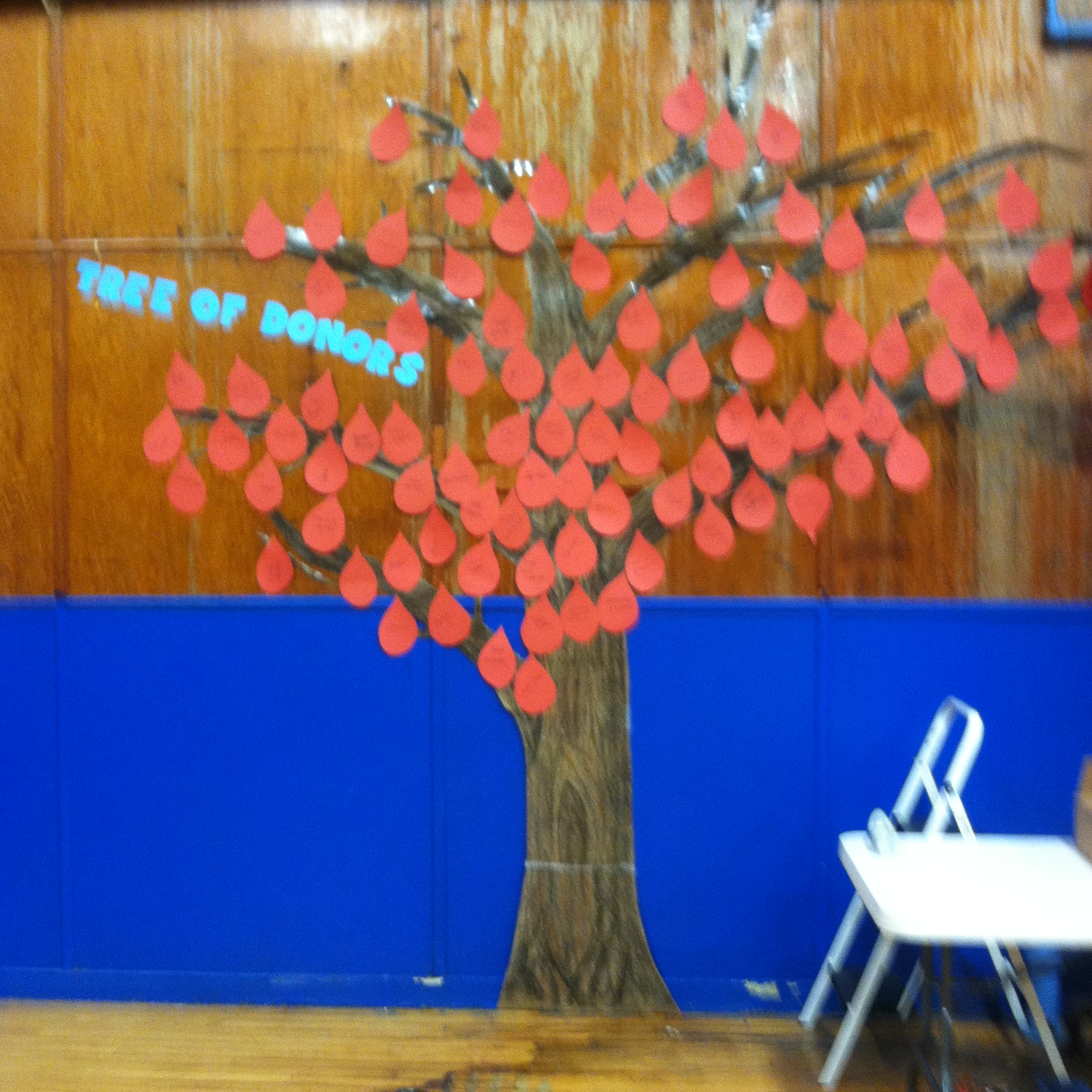
Image of the Tree of Donors
Tree of Donors

This year a new idea was added to the blood drive called the Tree of Donors. The Tree of Donors idea began with a visual of a caricature of a tree without any leaves. Then the sixth grade students cut out blood drops to represent leaves for the tree. After donors gave blood at the drive, their names were placed on each leaf and hung on the tree. The tree symbolized the importance of each blood donor as they became part of the donor tree. Sixth and eighth grade students were vital in assembling the initial tree and adding names to leaves as volunteers gave blood that day.

On the day of the blood drive, students were responsible for greeting people at the door, registering blood donors, escorting those who have given blood to the snack table, running the snack station, as well as the final break down and clean up. The Madison Junior High Blood Drive was showcased this year on WLBZ Schools That Shine segment for the academic connection to community service. This learning experience was made possible because of the MAMLE experience and resources available.

LiveBinders & Trello–2 Tools for Project Work

These web 2.0 tools, LiveBinders and Trello, will help both you and your students manage projects that are collaborative in nature. They are both:

  • Free!
  • Web-based so work on any platform and device
  • Usable on the iPad with an app

LiveBinders

LiveBinders8

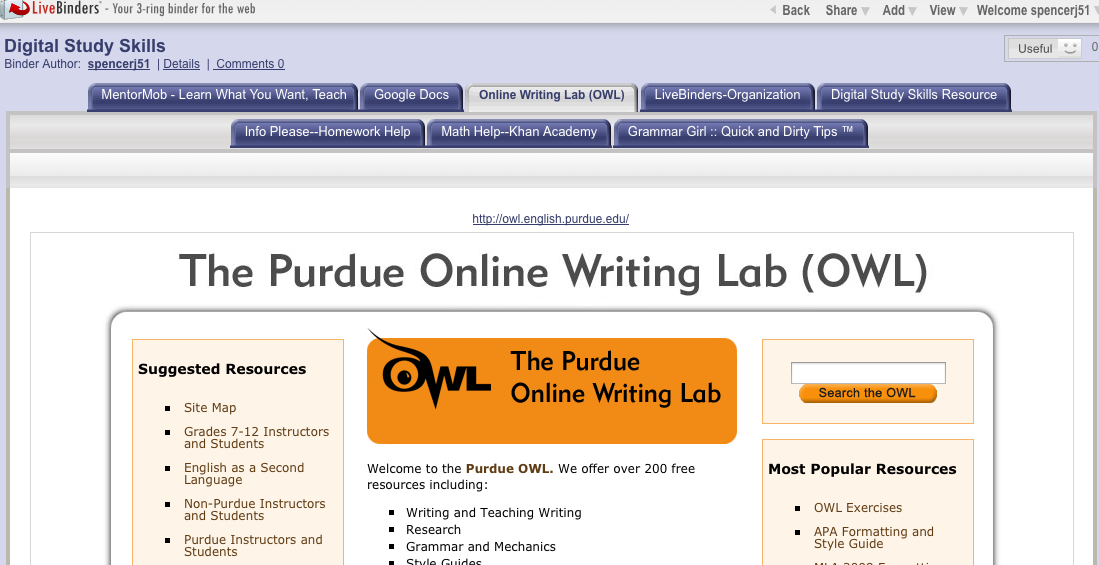
LiveBinders allows students to organize their digital resources in one place on the web and share the URL with those they are working with and their teacher.  Because it is web-based, students can access it from any digital device connected to the Internet at any time. Also students can upload images and notes.

Below is tutorial that explains how to set up an account, put a LiveBinder tool in your bookmark bar, and save and organize resources.

LiveBinder can be kept private or made public.  Here is the URL for one of my public LiveBinders focused on digital study tools:  http://www.livebinders.com/play/play?id=333829&backurl=/shelf/my

Trello

Trello allows students to break their projects down into a series of tasks and then keep track of their progress.  As you can see there is a To Do list as well Doing and Done Lists.

Trello2

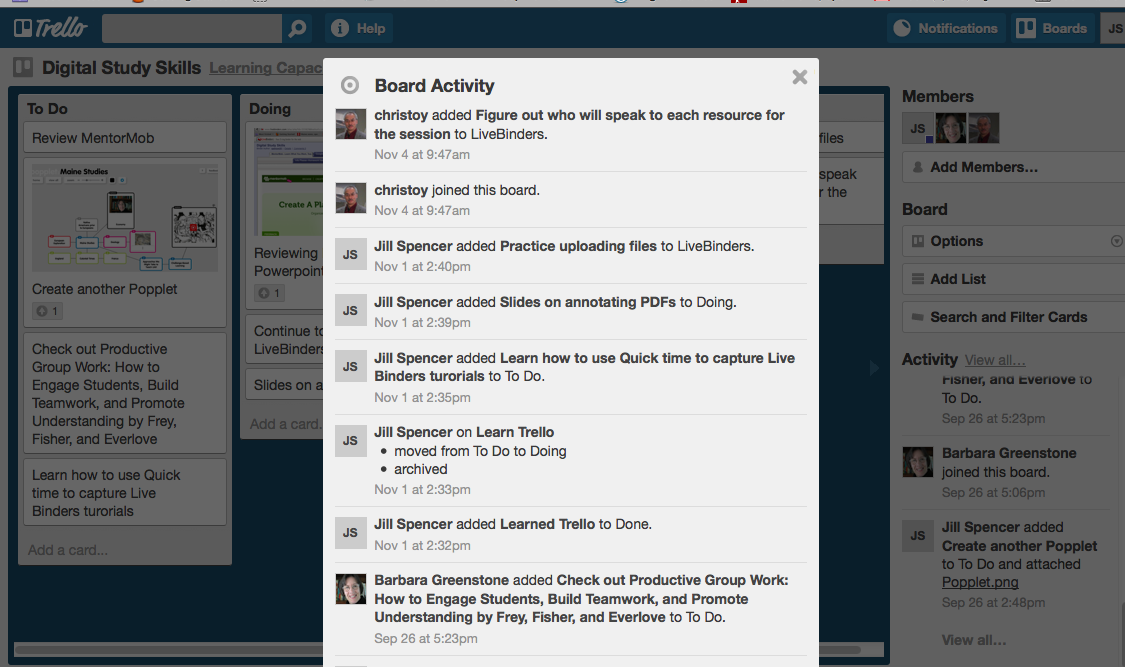
The other neat thing about Trello is that the teacher can track who is contributing to the project.

Trello4

Watch this video to see how Trello works and how it can help your students stay  organized and develop self-accountability. The video is from the world of business, however the ideas are easily adapted to the classroom.

There other videos on YouTube about Trello.

What Web 2.0 tools do you and your students find helpful in project work?