On December 6, 1917, Halifax, Nova Scotia experienced the largest man-made explosion the world had ever seen when the Mont Blanc, filled with explosives, collided with another ship. “The Halifax Explosion” webquest (http://connect.umpi.maine.edu/~terry.chalou/Webquests/10-11/The%20Halifax%20Explsoion/t-index.htm )provides links to the CBC site ( http://www.cbc.ca/halifaxexplosion/ ) containing many primary resources. Students can read about a fireman who was blown from his vehicle, caught in a tidal wave, and survived both to live another 54 years. In addition to the CBC resources, YouTube has several good videos about this event. My favorite is an interview with Peggy Gregoire who was a young student at the time.
After exploring these resources, the webquest task is to assume the persona of a person affected by the explosion and to write a letter about the day. To help students use the correct tone for their letters, there’s a link to war letters written in 1917. If your students want to make their letters look old, there are links to sites with directions for aging paper.
I used this webquest with a mixed grade level grouping of middle level students. Many of them told me that this was one of their favorite writing activities for the year because of the interesting resources.
High school students, central office administrators, community members, and teachers led workshops for Auburn Middle School students on CyberDay. Each student was able to choose 3 workshops to attend.
Like many middle schools in Maine, students and staff switched from laptops to iPads this year. CyberDay was a time to share what had been learned and explore new possibilities.
Some students opted to learn how to make commercials in a session entitled “Welcome to Hollywood” led by Jake Bazinet, a high school junior. The best student commercials were showcased on the Lewiston-Auburn local access channel.
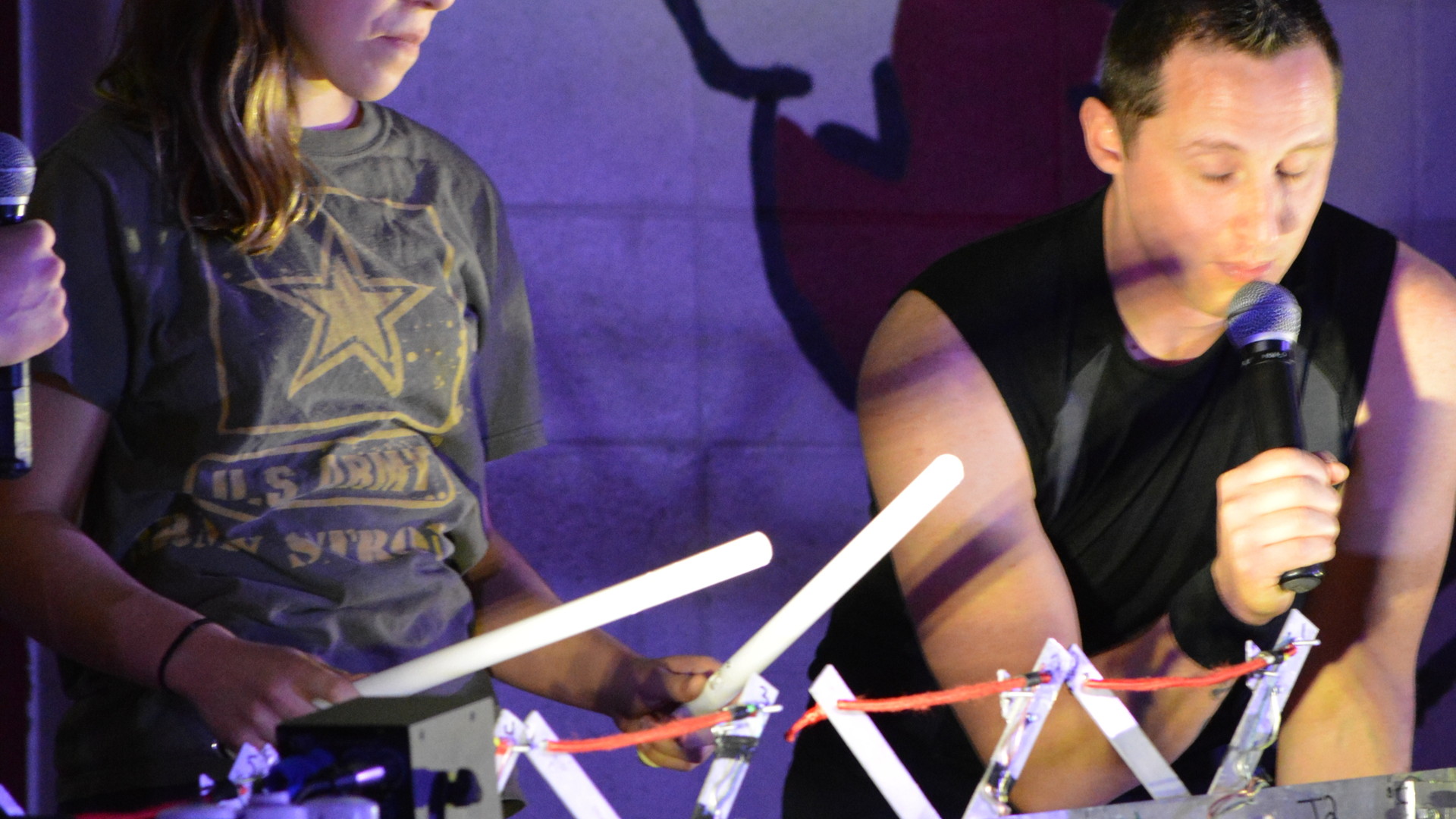
Everyone got involved!
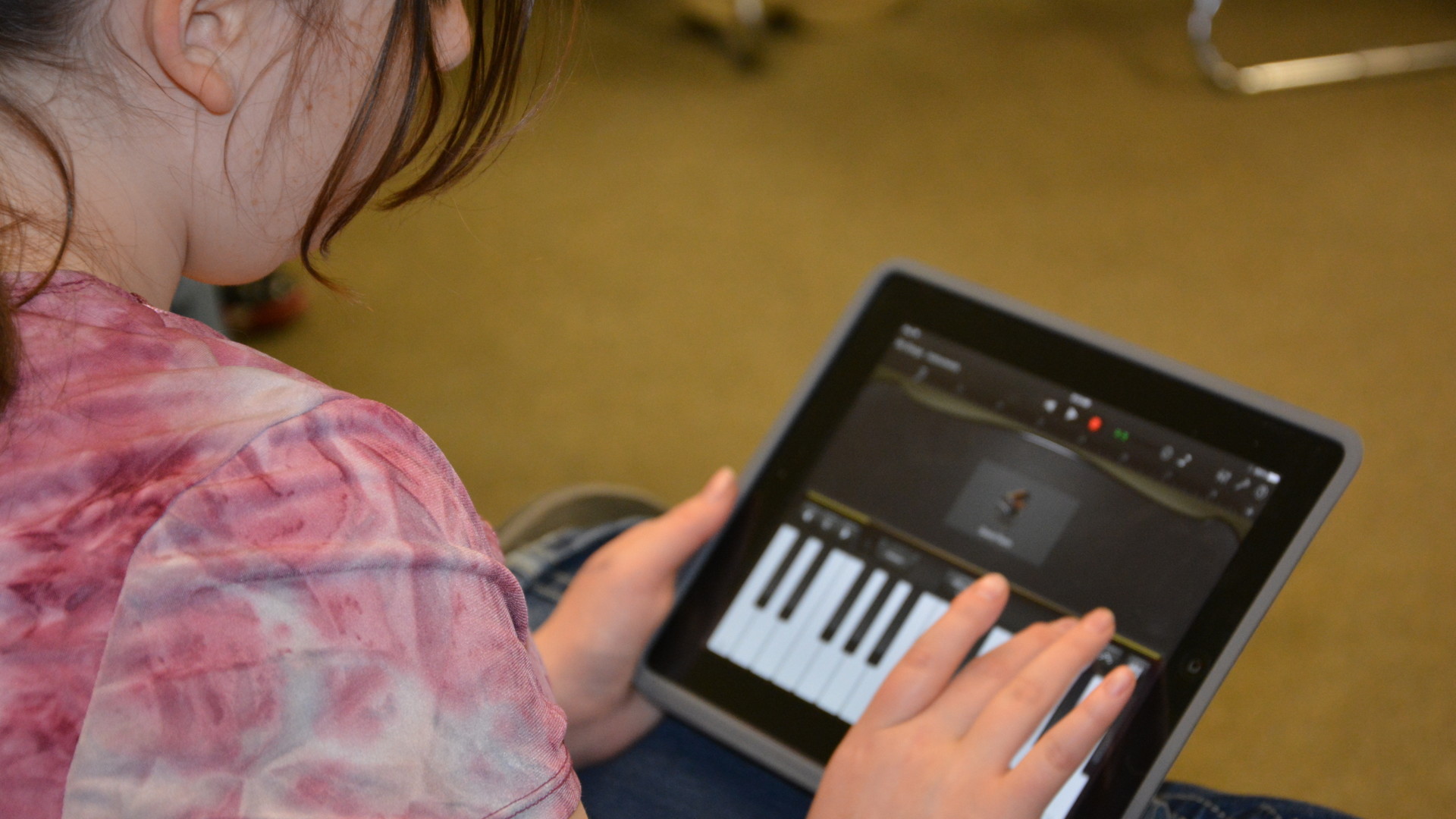
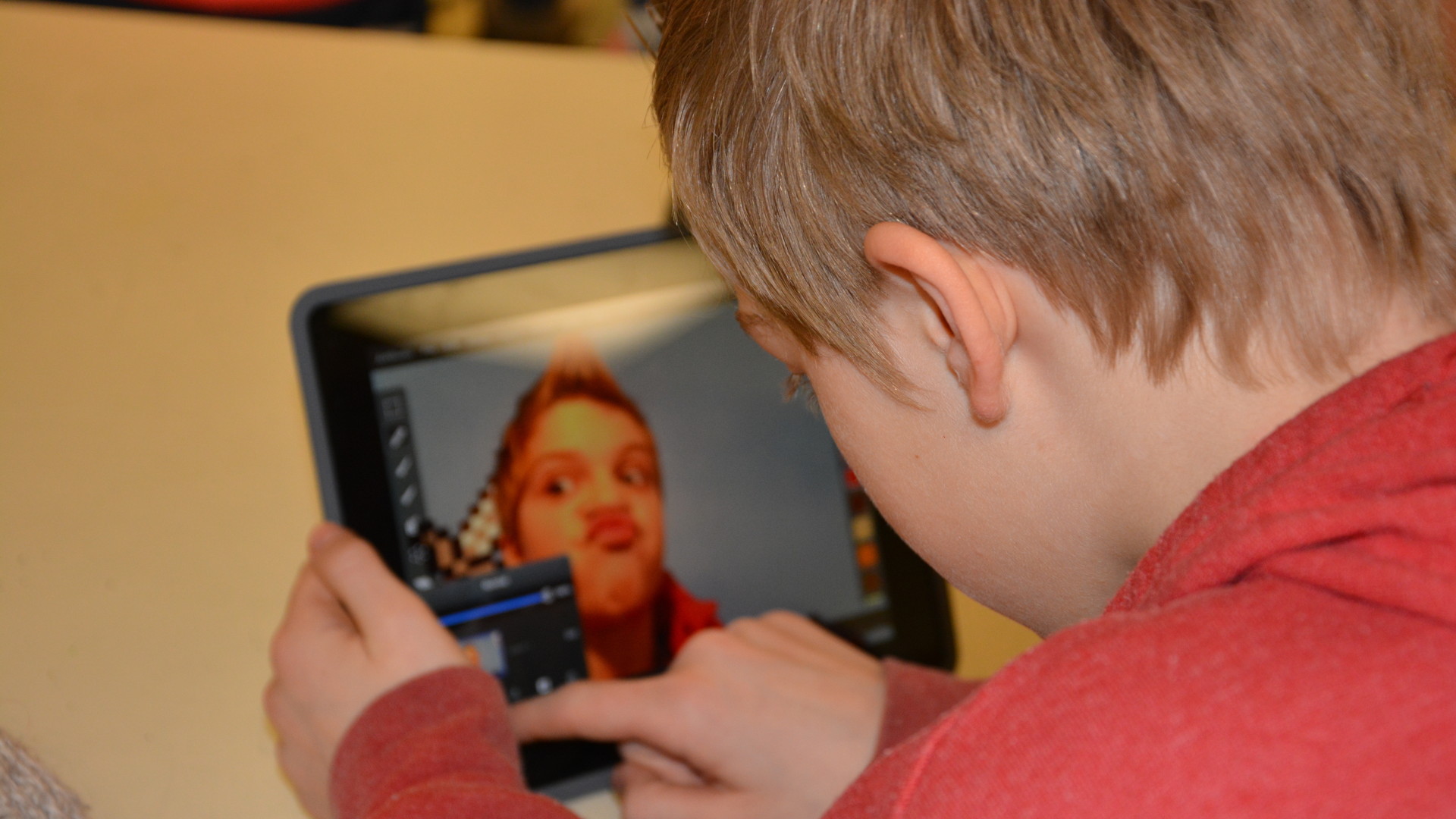
Music and movie making sessions were popular:
Making MoviesMaking Music
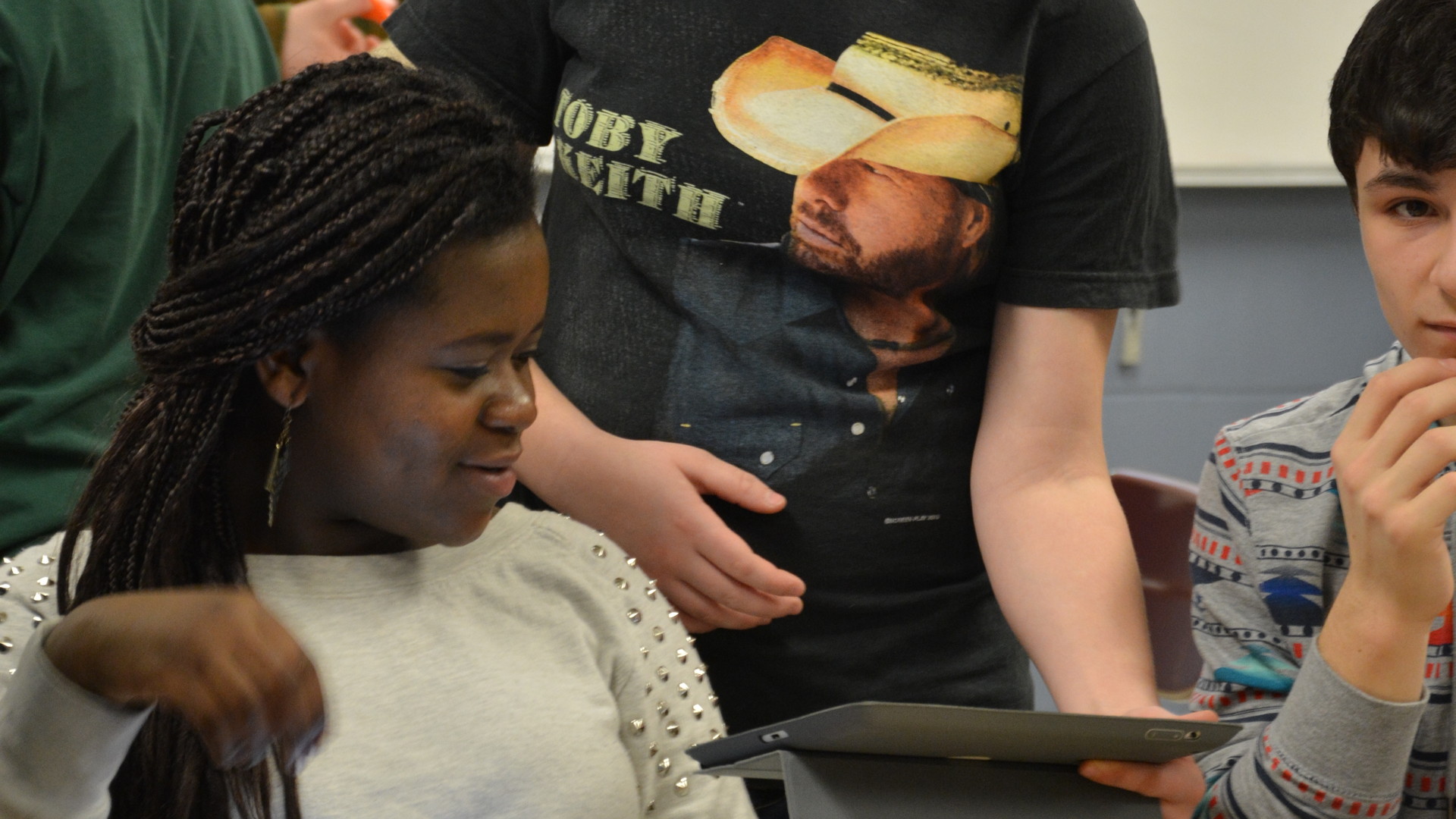
Sharing and collaboration characterized the event.
Classmates collaborate and share ideas and products.
Lindsay teaches math and science at Messalonskee Middle School in Oakland (Also a MAMLE Board Member). Recently she was honored by B98.5 Radio Station as their Teacher of the Month. http://b985.fm/saluting-b98-5s-teacher-of-the-month-lindsay-mahoney-of-messalonskee-middle-school/ Needless to say, her students were really excited when representatives of the station came to their classroom to present the award. Congratulations Lindsay!
Ernie Easter from the New Sweden School presented his integrated unit on the American Civil War at the MAMLE Annual Conference at Point Lookout. Here’s the description of his presentation from the Conference program:
The Civil War, an integrative unit, is taught through History, English Language Arts, Music, and Art. Making extensive use of photographs by Civil War Era photographers as well as resources from the Library of Congress, Maine Memory, and the National Park Service, students spend time analyzing photographs and creating their own photographs in the style of Mathew Brady. Also, students read primary and fictional sources to develop their own role-playing character to help them appreciate what is going on as they keep their own diary and react to the events that lead up to and events during the Civil War. A formal research paper and student presentation round out the unit.
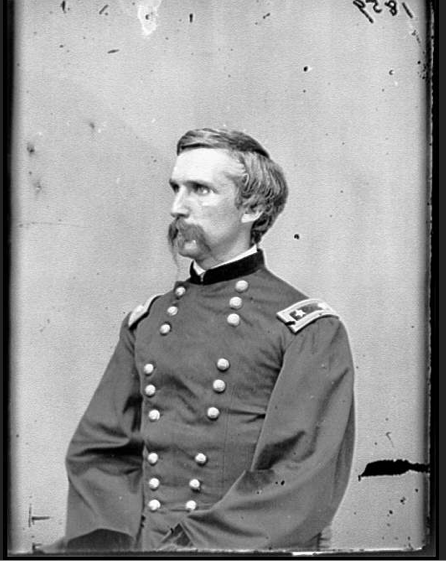
Naturally Joshua Chamberlain plays a role in the unit.
from Maine Memory Network
Literature, art, music, research, historical content are all integrated into this engaging unit. Role playing is always a popular activity with middle level students; Ernie’s kids create the persona of a person who might have lived through this catastrophic time in our history and write letters and diary entries that reflect the realities of their lives. Below is an image of the graphic organizer they use to bring to life their “person”.
Ernie put all of the materials for his presentation in a Google Drive document and has very generously allowed MAMLE to publish it here so everyone can access these terrific resources:
Welcome Back Kotter was a huge hit on TV back in the 70’s. Gabe Kaplan as Gabe Kotter, a high school teacher, returns to his old high school in Brooklyn to teach. The characters, including John Travolta, were unforgettable and the term Sweathogs affectionately entered the education lexicon as a synonym for challenging students. The cool think about Mr. Kotter was that he really cared about his students — he would have made a great middle school teacher.
Ed Brazee–professor, mentor, and friend to many Maine middle level educators–is experiencing his own “Welcome Back” moments this fall. What’s it like to return to a middle grades classroom after 20 + years at the university level??? Here, let’s have Ed tell his own story…
I never said it was easy!
Challenging…
Humbling…
Exhausting…
Fun.
And that was only my first day.
After a 29-year hiatus from teaching middle school this fall I’m teaching as a full-time, long-term substitute teacher at Leonard Middle School (Old Town, ME). Here is a glimpse into my first four weeks.
Challenging—YES! Being “on” all day; adjusting to the sprint-like pace from start to end of the school day: five minutes for homeroom, 35 minutes for academic focus, meet with the team, go to after-school PD, attend parent night, learn about the iPad rollout, set up my new Apple TV, learn how to use the Infinite Campus program for standards and more. And lunch is still only 11 minutes. I ate my lunch after school everyday for the first month. Note that I haven’t even mentioned teaching anything in this section. The new-to-me math curriculum, planning for our integrated block. Yes, I would say very challenging.
Humbling—After week one, humbling would have been at the top of the list. My favorite quote from week #1…“You know, we are like this because you are only a substitute.” That told me volumes about my role in the class so I doubled my efforts and learned everyone’s name, saying hello to each one by name several times a day. At the end of week four, a compliment, “You are the best sub we’ve ever had.” Middle school student hyperbole, but still appreciated. Early on I was concerned that I couldn’t keep up as a middle school teacher. Many of the teachers at my school are my former students at UMaine and I still wake up at night with nightmares that they are lining up outside my room to see if I am the teacher I encouraged them to be. Yikes!
Exhausting—Bone tired. Come home and take a nap after school tired. Ok, the last time I taught middle school I was only 36 (now 65) so that might account for my tired state. On my feet for most of the day, of course, but more important is the sheer energy that 13- and 14-year-olds bring with them. Dozens, no hundreds of questions each day. My head is spinning. I am at my best as they walk in the door at 7:45 a.m. but many of them are still sleep walking. By noon when our integrated block begins, I’m ready for a nap. I push on! When I go home every night, my wife wants to hear about my day. I say that I need a quiet hour or two first.
Fun—With my limited observation of the first few weeks of school, I would say that 8th graders haven’t changed all that much since my last teaching stint. Still interested in themselves and each other. Still caring, sometimes compassionate…and noisy! They make me laugh with the things they say, who they are, and who they hope to be. Best quote of week #4 during a discussion about digital citizenship…”Dr. Brazee, did you know that in some states it is illegal to have sexual relations with a porcupine?” When I heard that I said to myself, “Ed, welcome back to middle school!”
I am extremely fortunate to be in an excellent middle school with great kids, a supportive administration, helpful and encouraging teachers, and engaged parents. And I am very lucky to be teaching as the third member of a 2-person team! I’m subbing for my good friend and long-time colleague (and former student) Dr. Gert Nesin who is undergoing medical treatment this year; our teaming partner is Jay Meigs-McDonald. To watch these two in action is a treat and a learning experience everyday for me. Gert will be in and out as she is able and we will connect with her electronically when she can’t come to school. Just this week she taught a math lesson to our 8th grade class from her living room. Powerful and amazing; more on this later.
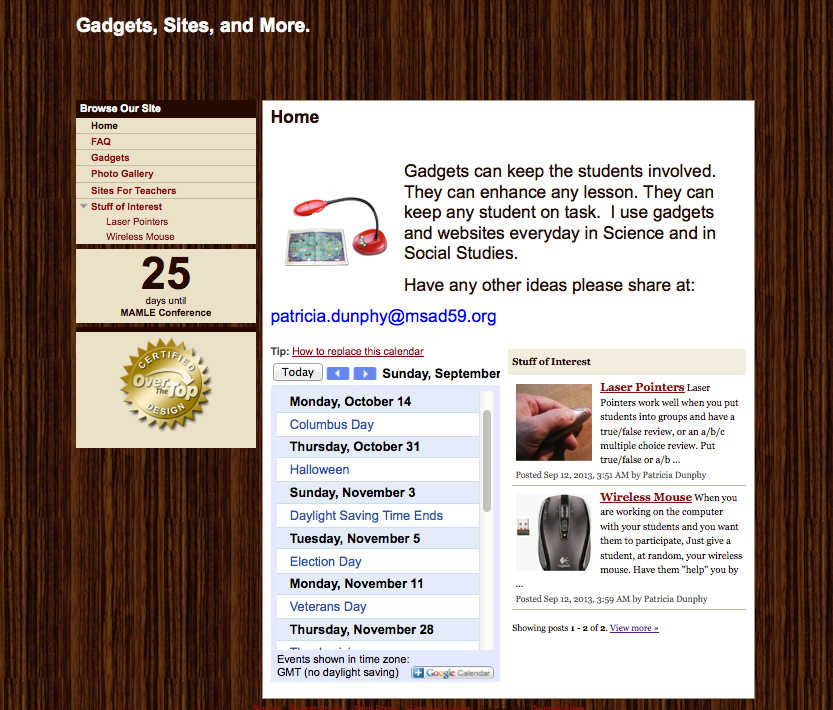
Pat Dunphy from MSAD 59 in Madison shares her Google site below. Click, read, and learn how to use your wireless mouse and laser pointer to actively involve your students in a lesson. Pat will be presenting at the MAMLE Conference on Thursday, October 17–Attend her session to pick up some new strategies!
Education for the 21st Century – Patricia Dunphy, MSAD #59
In this day and age of budget cuts, and world event happening faster than textbooks can be printed; how do we get students the information they need to know to be successful? A laptop, a projector, a pointer, and a Ladibug just might hold the answer. Come explore the ways information and learning can be shared in any classroom, and don’t be afraid to “click”! PENOBSCOT (EDUCATION CENTER)
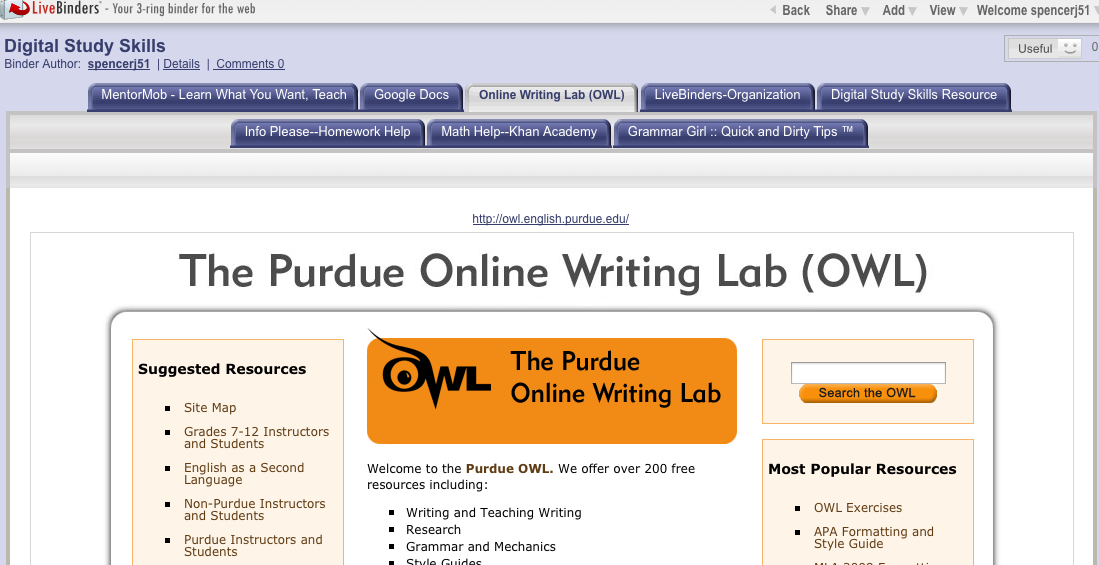
LiveBinders allows students to organize their digital resources in one place on the web and share the URL with those they are working with and their teacher. Because it is web-based, students can access it from any digital device connected to the Internet at any time. Also students can upload images and notes.
Below is tutorial that explains how to set up an account, put a LiveBinder tool in your bookmark bar, and save and organize resources.
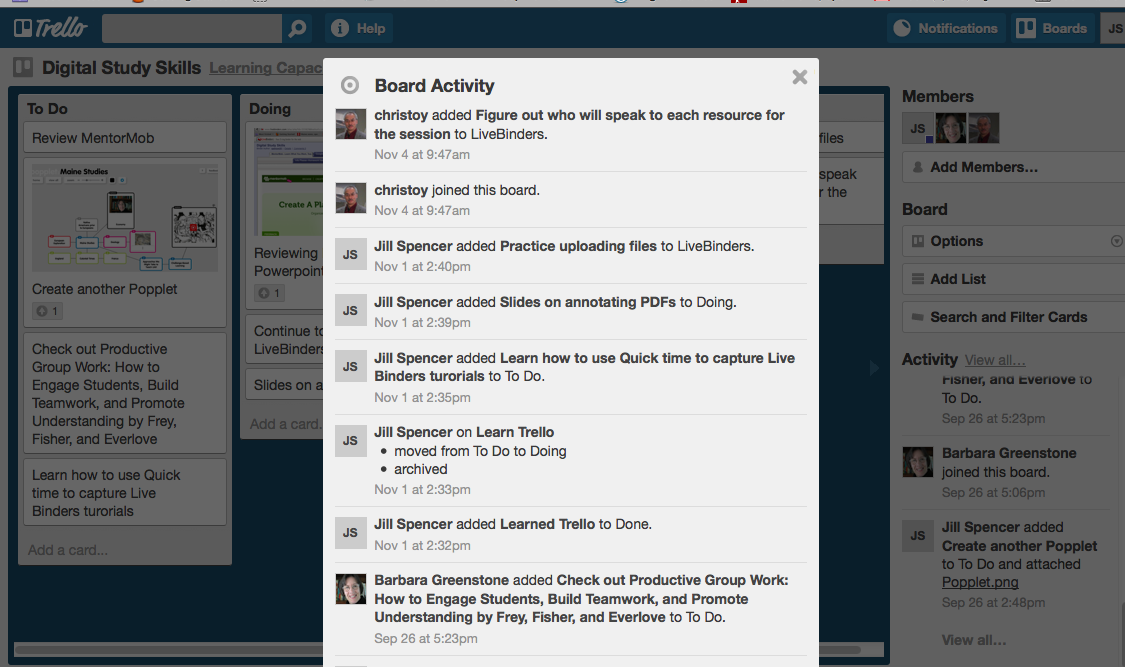
Trello allows students to break their projects down into a series of tasks and then keep track of their progress. As you can see there is a To Do list as well Doing and Done Lists.
The other neat thing about Trello is that the teacher can track who is contributing to the project.
Watch this video to see how Trello works and how it can help your students stay organized and develop self-accountability. The video is from the world of business, however the ideas are easily adapted to the classroom.
There other videos on YouTube about Trello.
What Web 2.0 tools do you and your students find helpful in project work?
The use of iPads, a new teaching and learning device for many, has exploded this year. Check out these 5 sites for ideas and tips for integrating them seamlessly into your classroom:
Tony Vincent’s Videos on YouTube He has been a keynote speaker at ACTEM and other major conferences. His website Learning in Hand focuses on hand-held devices in the classroom. A couple of his videos you probably want to view are…
Chris Toy’s Workshop Materials page Chris travels the world working with educators to effectively integrate technology. Fortunately for those not attending his sessions, he posts his materials on his website. Take a gander to find out about…










 We have moved!
